
Hardware · 6 min read
Choosing laptops for a small team in 2026
Buy for the next four years, not the next four months. The cheapest laptop is rarely the cheapest laptop.
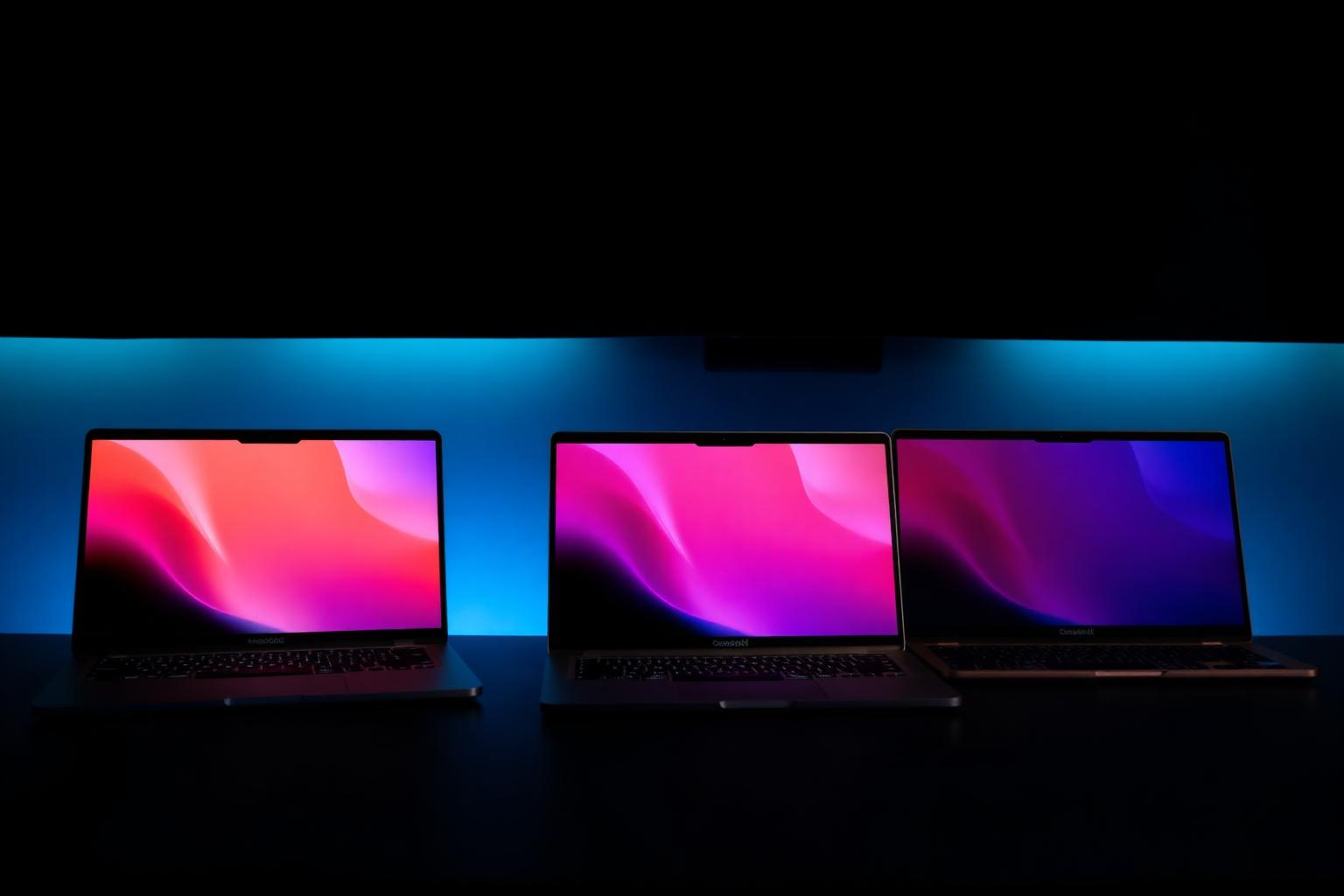
Laptops are one of the few IT decisions a small organisation makes that's both expensive and visible to every member of staff. Get it wrong and you'll be replacing them within two years, or living with grumbling and lost productivity until you do.
Here's the practical guide I give clients when they ask what to buy.
Start with the work, not the spec sheet
Three honest questions before you look at any model:
- Where will it actually be used? Mostly at a desk with a monitor, or genuinely portable all day?
- What's the heaviest software it needs to run? Email, browser and Office is one thing. Design, video editing, large spreadsheets or accounting databases is another.
- How long do you expect to keep it? Buying for three to four years is normal. Buying to "save money now" usually means buying again in eighteen months.
The minimum spec worth buying in 2026
For general office work (email, browser, Microsoft 365 or Google Workspace, video calls):
- Processor: Modern mid-range, recent-generation Intel Core Ultra 5, AMD Ryzen 5 7000-series or newer, or an Apple M-series chip.
- Memory: 16GB RAM minimum. 8GB is the false economy that defines a slow laptop.
- Storage: 512GB SSD minimum. NVMe, not the slower SATA SSDs.
- Screen: 14 inch is the sweet spot for portability. 13 inch if travel really matters, 15-16 inch only if it never leaves the desk.
- Battery: Aim for a real-world 8 hours of mixed use.
- Keyboard: If staff type all day, this matters more than almost anything else. Try before you buy in bulk.
- Webcam: 1080p. Most laptops still ship with 720p, which looks dated on every video call.
- Build: Aluminium or magnesium chassis if the budget allows, plastic flexes and cracks within a couple of years of daily travel.
- Warranty: Minimum 3 years, on-site or next-business-day swap if you can. The cheap one-year return-to-base warranty is a hidden cost.
For heavier work (design, video, large datasets), step up to 32GB RAM, 1TB SSD and a discrete GPU or higher-tier Apple chip.
Windows or Mac?
Both work well. The real question is what your team already knows and what your software supports. Mixed fleets are fine for small teams as long as your management, MDM and backup tooling supports both, which most modern platforms do.
A rough rule: if half the team is already on Mac personally and your software is web-based or Office, Macs are usually the cheaper four-year decision despite the higher sticker price.
The things people forget to budget for
- A docking station and a proper monitor at every desk. Hunching over a 14-inch screen for eight hours is a slow productivity tax.
- A decent headset for video calls. Built-in mics are tolerable, not great.
- A laptop sleeve or proper bag. Replacing a dropped laptop costs more than a year of bags.
- MDM enrolment and disk encryption from day one. Microsoft Intune, Apple Business Manager or Jamf, depending on your stack. Don't ship a laptop unmanaged.
Buy in batches, document the model
Buying five identical machines makes support far easier than buying five different ones from whatever was on offer that week. Keep a simple asset list, serial number, who has it, when it was bought, warranty end date. It pays for itself the first time someone leaves or something gets stolen.
If you'd like help specifying, sourcing or rolling out laptops for your team, get in touch.
Need a hand with this?
I help small organisations across the UK with exactly this kind of work. Honest advice, plain English, no pressure.
Get in touch